- Details
Download background files and environment map.
In this video I showed how I made a virtual photo studio in Daz studio to configure the skin shader. The photo studio uses four light sources: key, fill, background and hair light.
- Details

JSON Prompt
- Krea 2 LoRa for JSON prompting https://civitai.com/models/2897864/krea2-bbox
- Ideogram 4 Official documentation on composing JSON prompts with style description examples: https://github.com/ideogram-oss/ideogram4/blob/main/docs/prompting.md
- Ideogram 4 JSON Captioner: a local desktop editor for image-caption pairs in Ideogram 4 structured JSON format https://github.com/Auryg/Ideogram-Json-Captioner
- FLUX.2 [klein] Prompting Guide: https://docs.bfl.ai/guides/usecases_t2i_json_prompting
Regular prompt
- Krea 2 оfficial information. Please see the expansion.txt link. https://github.com/krea-ai/krea-2/blob/main/docs/prompting.md
- Flux.2 Edit Single-Reference Editing https://docs.bfl.ai/guides/prompting_editing_single_reference
- Flux.2 Edit Multi-Reference Editing https://docs.bfl.ai/guides/prompting_editing_multi_reference
- Flux cheat sheet with camera terms, lighting and style keywords, and ready-to-use example prompts: https://docs.bfl.ai/guides/prompting_unified_reference
- FLUX.1 Prompting: use this structure for consistent results: Subject + Action + Style + Context.
- FLUX.1 Prompting Guide: https://docs.bfl.ai/guides/prompting_summary
Finished prompts
- Prompts with photos and videos of the resulting images. Check out the Blog section: https://promptstudio.tools/
- Details
If you want me to correct your image for $2, please let me know at
For two years, I looked at AI-generated images and tried to understand how I could use this technology. Over time, I realized that the uniformity of AI images irritated me, but their quality was clearly superior to DAZ Studio renderings. I set a goal: to find a way to improve the quality of 3D rendering in AI, to do re-rendering.
At the end of 2025, I got my first result using the FLUX.1 model, which I liked. With the release of the FLUX.2 model, the result became even better. I continue to study this technology to achieve better results. And I still use Photoshop to combine different images into one.
If you want to do the re-rendering yourself, here's my process: ComfyUI + Flux.2 + img2img process + LORAs for correcting body parts.
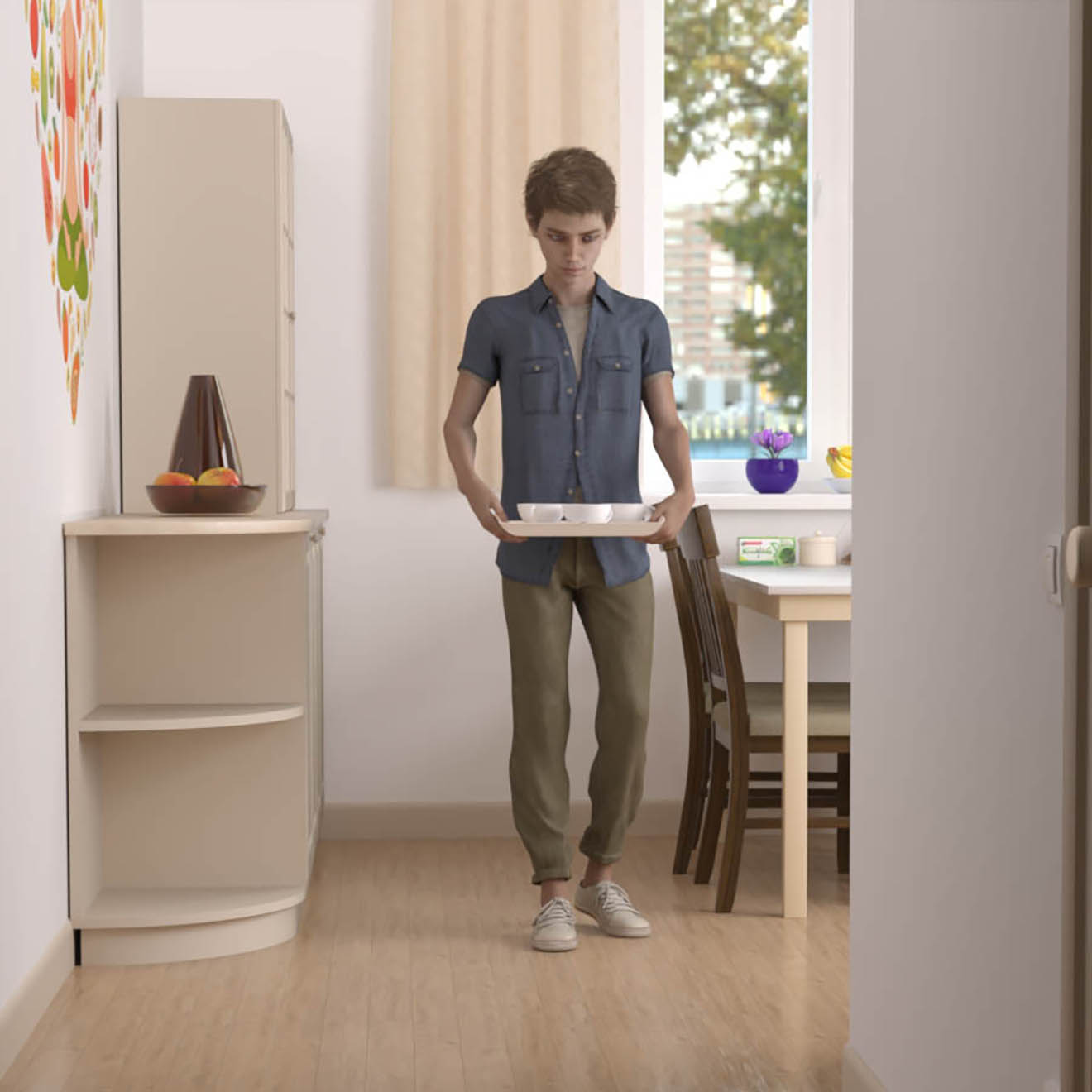
Below you will see the original image. To view the re-rendered version, hover your mouse cursor over the image or click on it with your mouse or finger.
🠛 The kitchen seemed bare to me, so I asked for more details. I didn't specify what needed to be added or where; that would have taken more time. The model herself decided which items were appropriate for the kitchen. See full size ♂️


- Details
Upscalers
Openmodeldb. There are hundreds of models available for upscaling: https://openmodeldb.info/ Many models are unique in that they are trained for specific tasks and cannot be used in Comfyui without conversion. However, chaiNNer eliminates the need for conversion https://github.com/chaiNNer-org/chaiNNer .
Upscayl is another simple image scaling program. Its quality is comparable to the paid Gigapixel upscaler. Dounload here: https://github.com/upscayl/upscayl
- Details

AI Radio — Neural Network FM https://neuralnetworkfm.online/radio
AI Image Detector - Detect AI Images Free Online (2026)
- https://www.aidetectlab.com
- https://isgen.ai/ai-image-detector
- https://deepai.org/ai-image-detector
- https://notegpt.io/ai-image-detector
- https://decopy.ai/ai-image-detector
Lessons and articles about AI
- Useful articles and tutorials for beginners learning image and sound generation in AI https://stable-diffusion-art.com/tutorials/ and https://www.stablediffusiontutorials.com/
