I am not an expert in artificial intelligence. I followed my intuition and am sharing the results I obtained.
I was doing test generations with my new workflow. The prompt was very simple: “A naked woman in water.” After about a dozen tests, I got tired of looking at the same image. I increased the Noise Seed by 1 to see a different image. But it turned out to be very similar to the previous one. This happened several more times. You can see this in the first row (steps 0–20) of the image Plot-1.
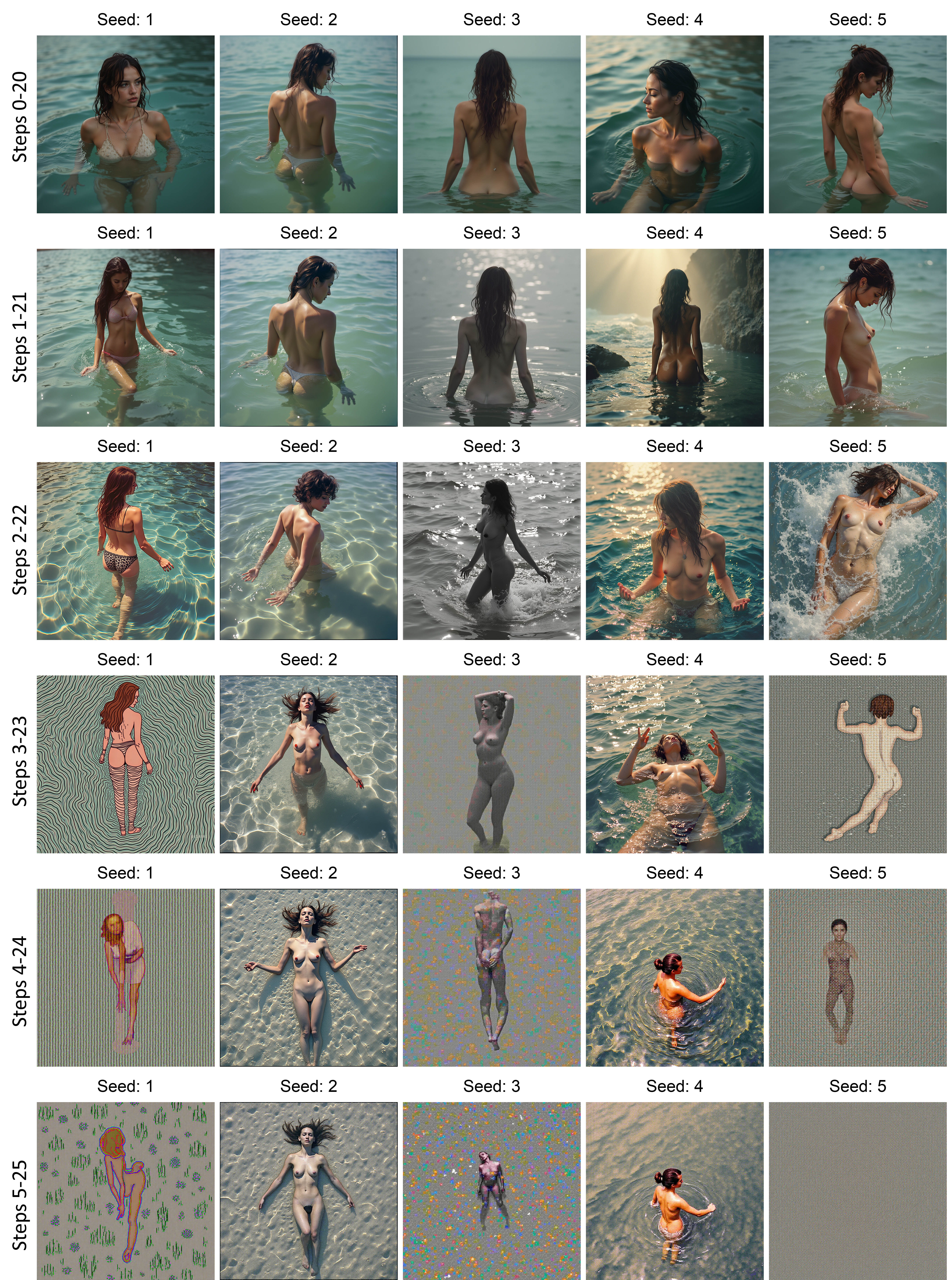
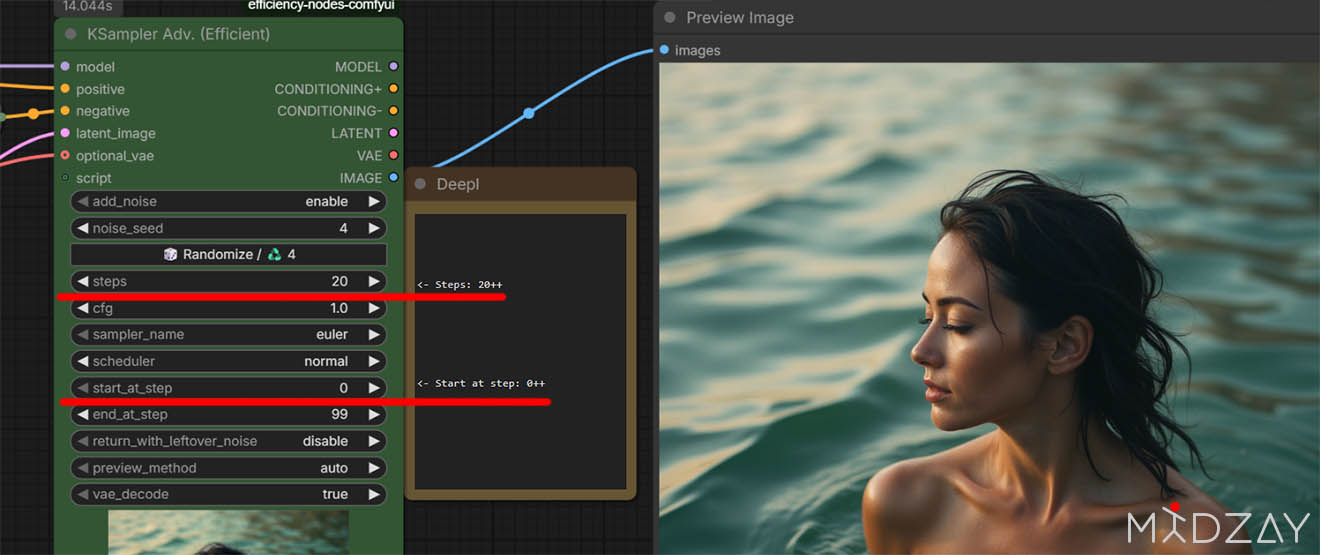
To obtain a different image, I would also need to change the prompt, but I was too lazy to do that. I thought: I want to change the composition of the image… and the composition is determined by the initial, low-frequency noise. What would happen if I did not suppress the noise in the first steps? And it worked. I obtained a different composition at Seed 1 and Seed 4. However, the total number of steps decreased from 20 to 19. Increasing the start of denoising further would reduce the image quality. To preserve the minimum number of steps (for the Flux.1 model it is 20 steps), I started adding a value to the End_at_step parameter. That was incorrect, and as the Start_at_step value increased, the image quality degraded. Then I set a deliberately large End_at_step (value 99) but started increasing Steps. And that worked.
In this way I increased Start_at_step and Steps by one at a time. The further I moved away from the results at 0–20, the greater the change in the image became. However, this does not last long. The large initial noise that remains unsuppressed cannot be properly suppressed at later stages. At least that is how it seems to me, and the images demonstrate this. I think the last usable row for creating images is steps 2–22.
Different models require different numbers of steps. I have not tested this thoroughly, but I assume that if the model you use has a different recommended number of steps, the changes will behave differently. For example, Flux.2 Klein has a recommended step count of 8. Changing parameters from 0–8 to 1–9 would likely alter the image more strongly than in Flux.1, where the recommended number of steps is from 20 to 40.
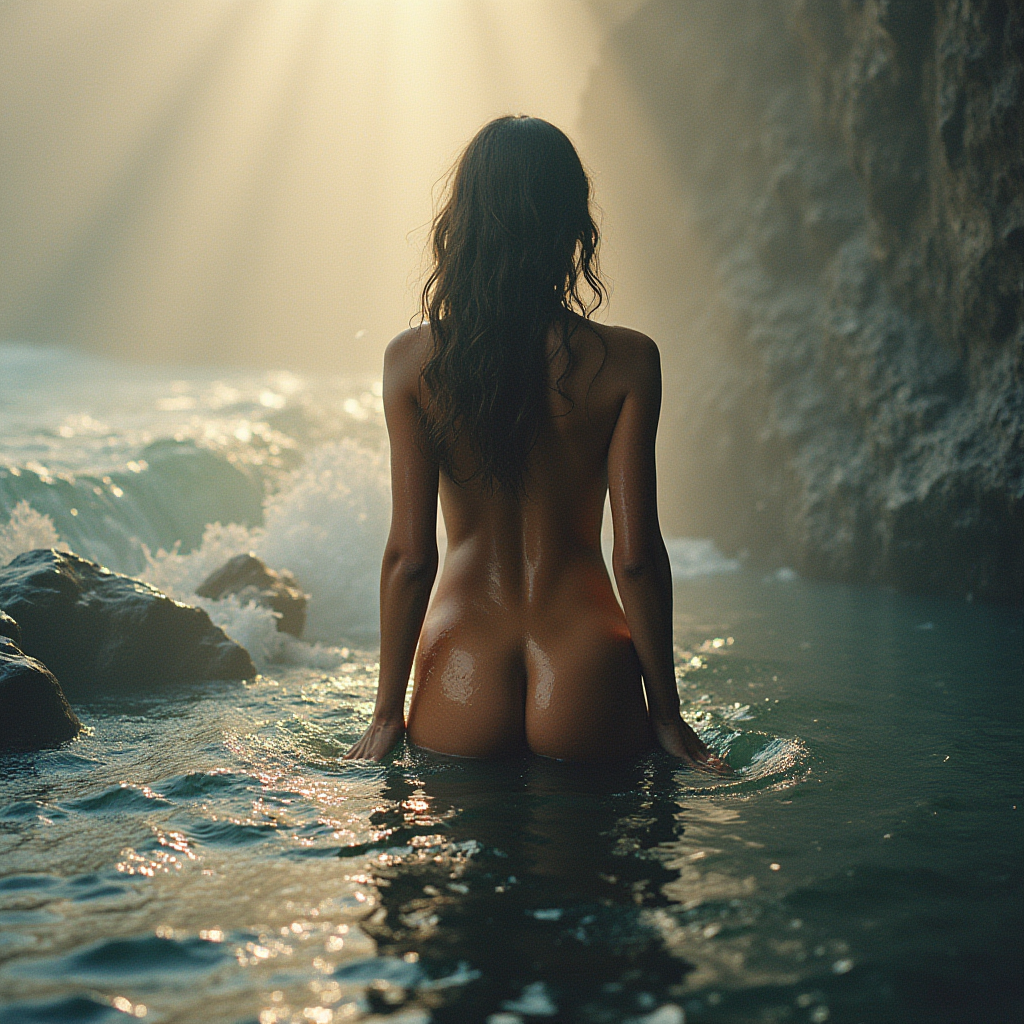
The image with Seed 4 in the second row (1–21) caught my attention because of its beautiful lighting. It is unique in that it differs sharply from the images above and below it with the same Seed 4. I decided to see what might exist near my favorite result. To do this, I kept Seed = 4 and Start_at_step = 1 unchanged, and increased Steps from 17 to 40. This produced a sequence of images that do not change drastically, since they are all built on the composition defined by Start_at_step = 1. This is the sequence I obtained.
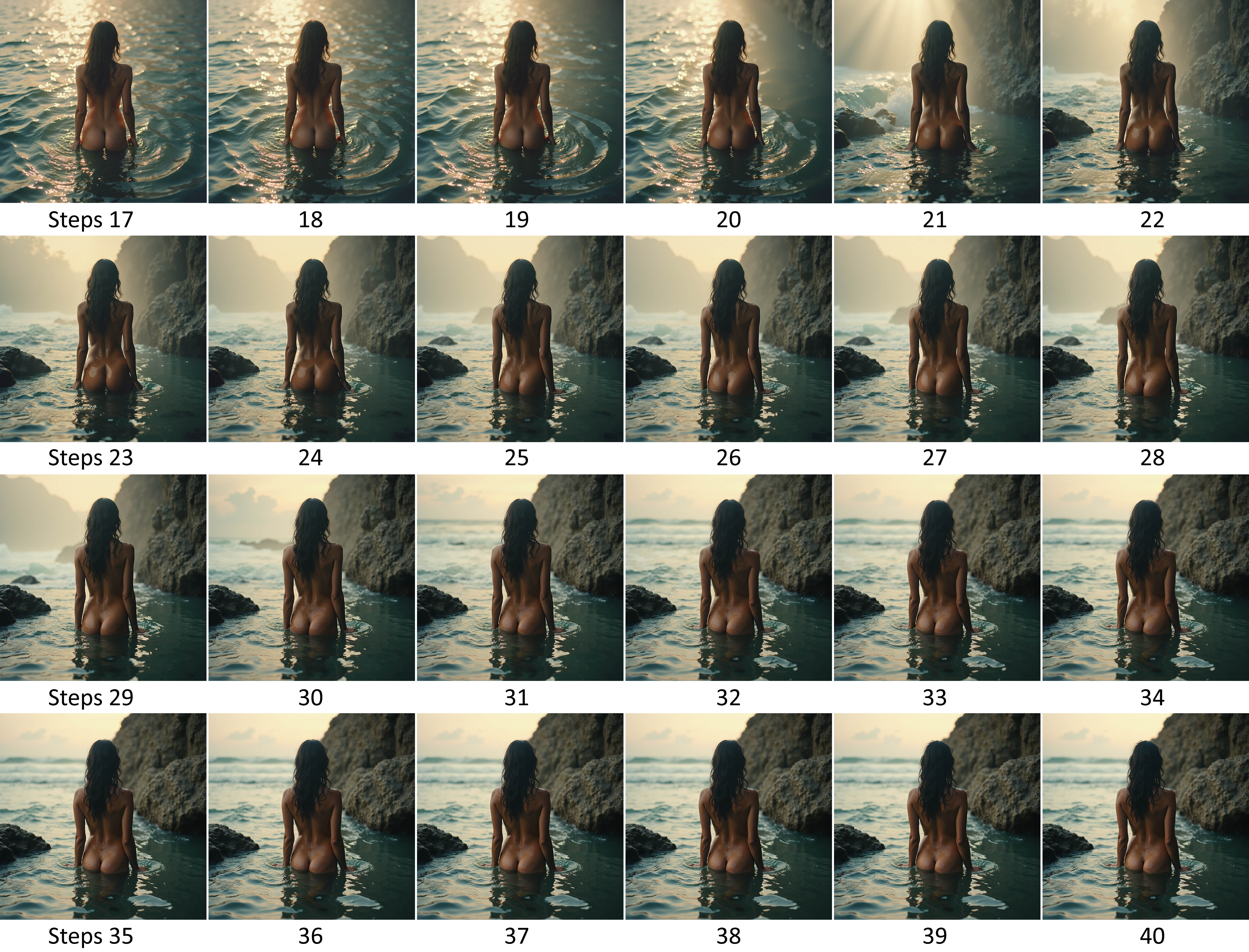
I will remove similar images in order to highlight the key changes. Such explorations can help find the best version of an image.
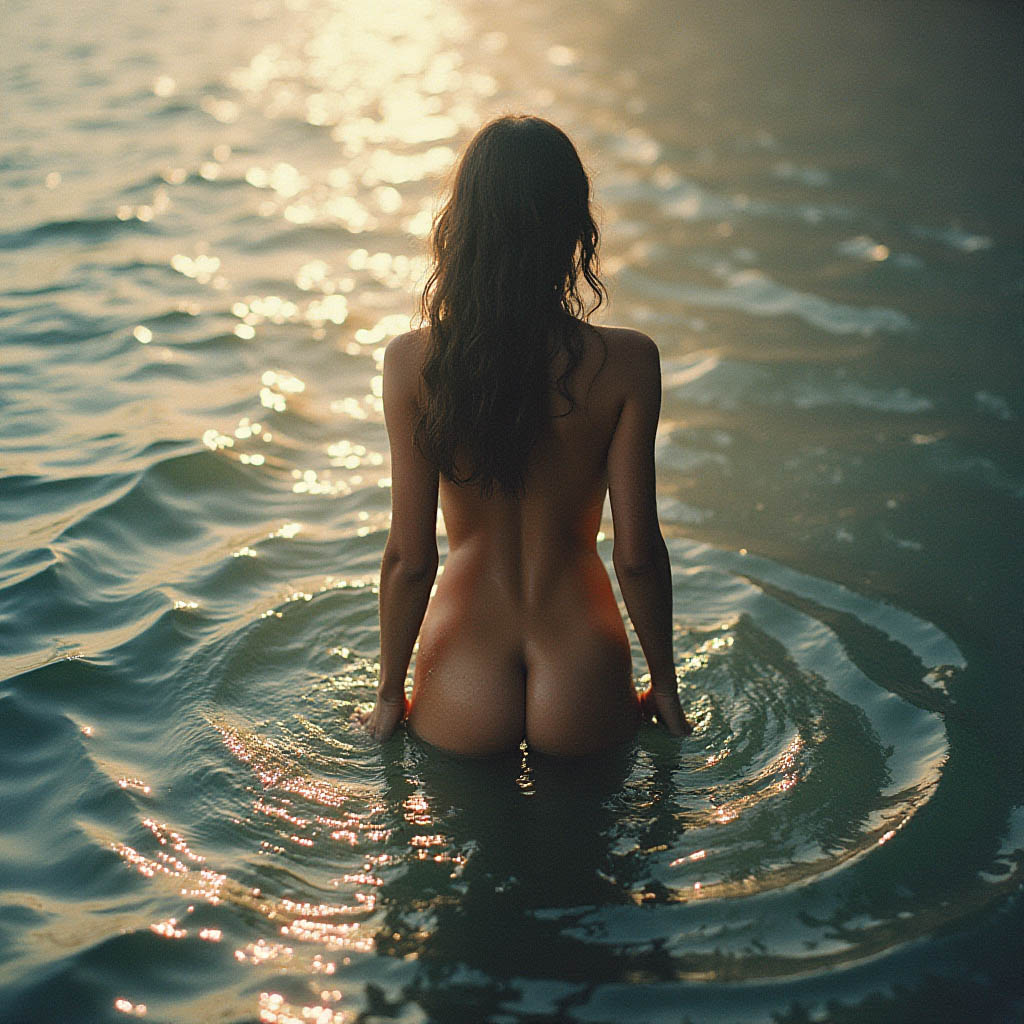 Before Step 20: the girl is in front of water, as indicated in the prompt.
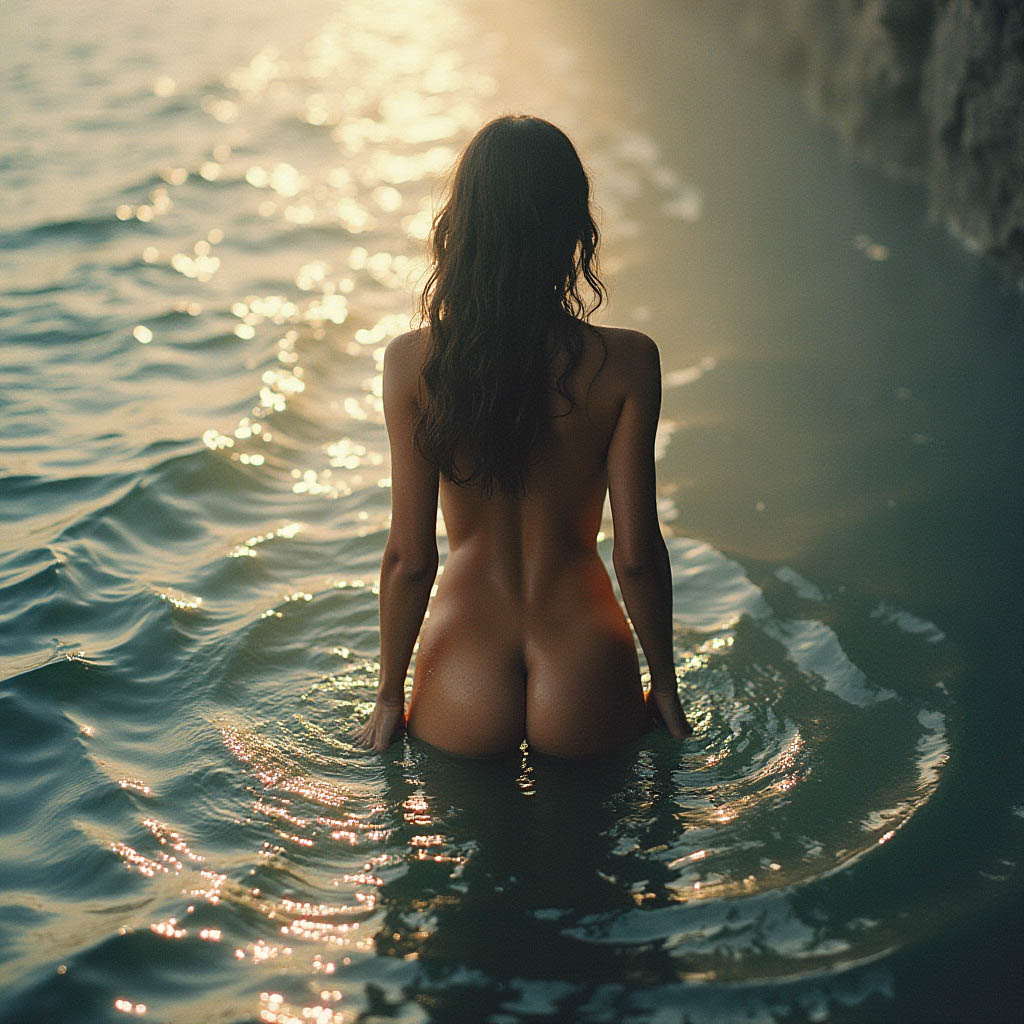
Step 20: a small section of rock appears.
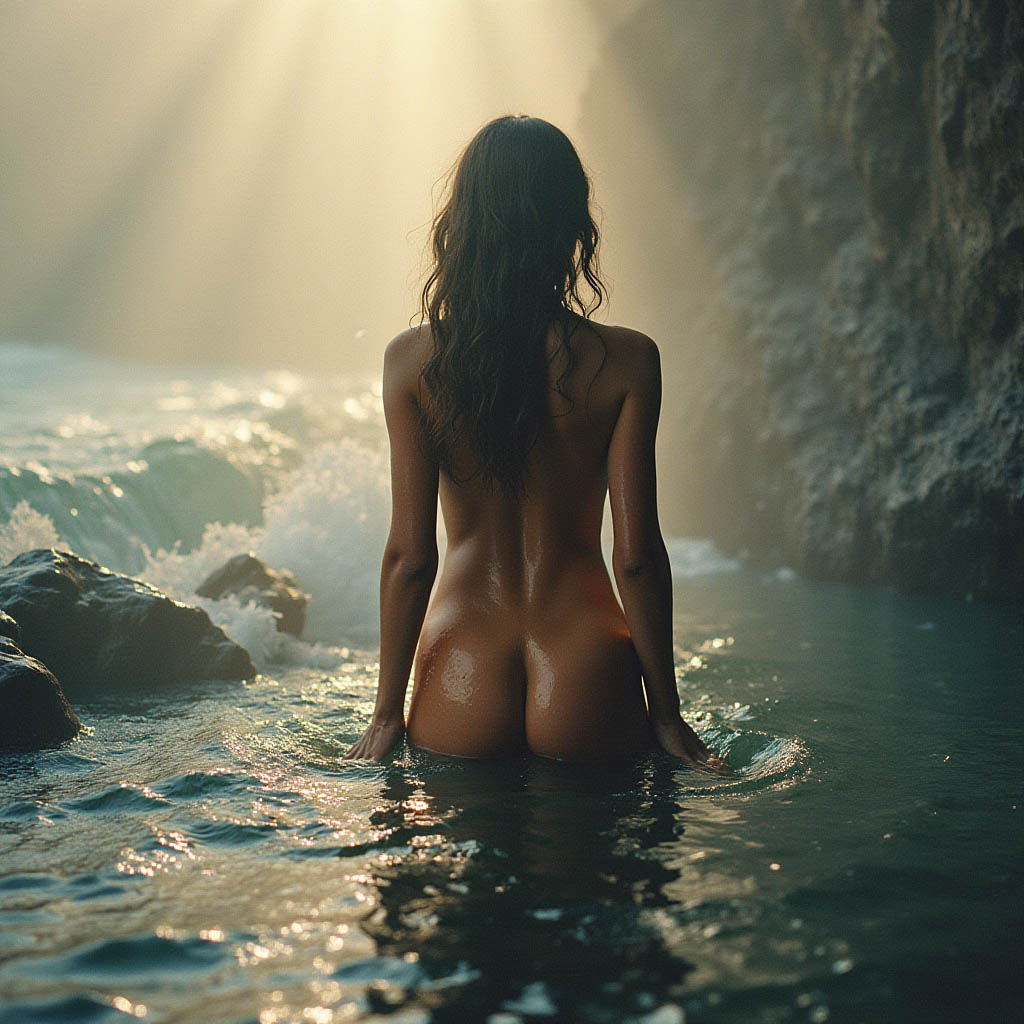
Step 21: a large rock and small stones appear in turbulent water; sun rays appear in the atmosphere. It seems that the noise has its strongest influence here.
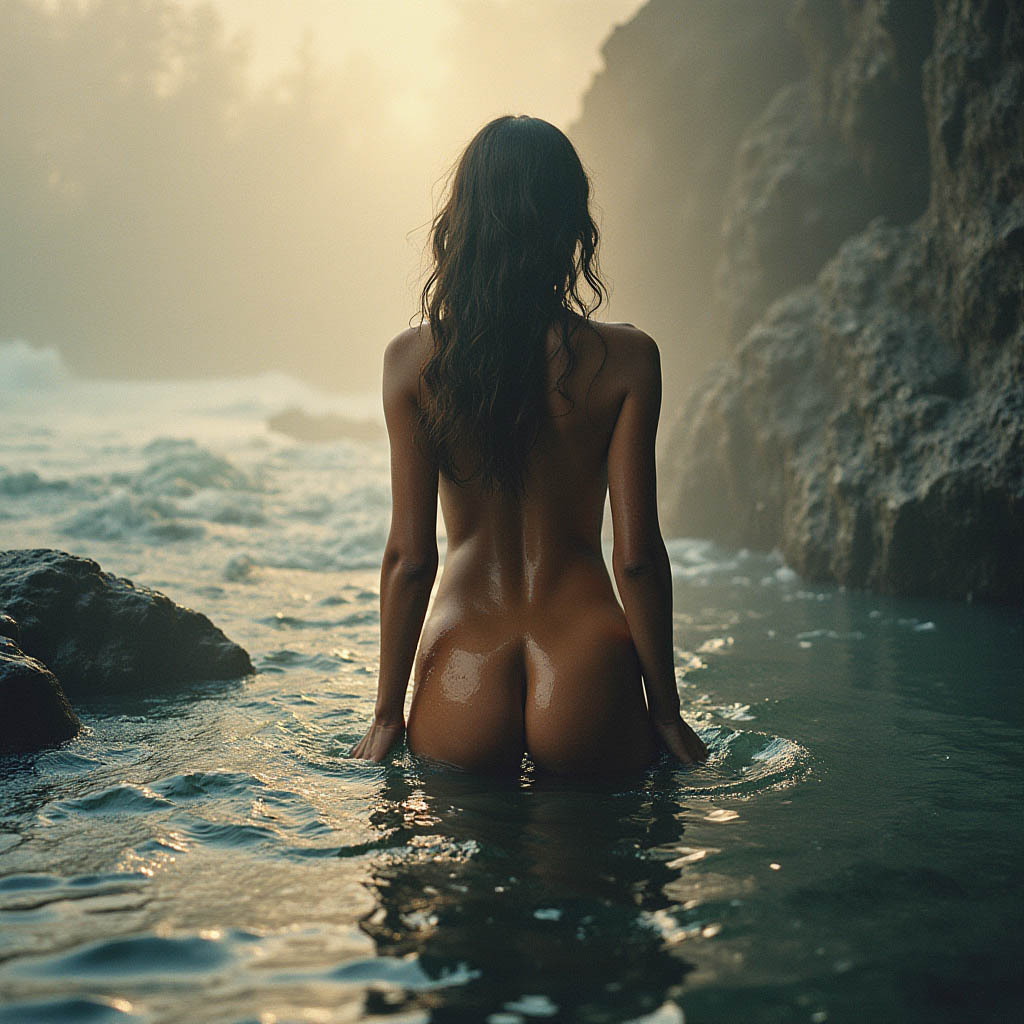
Step 22: the sun rays disappear, the water becomes calmer, and the stones lose their shine.
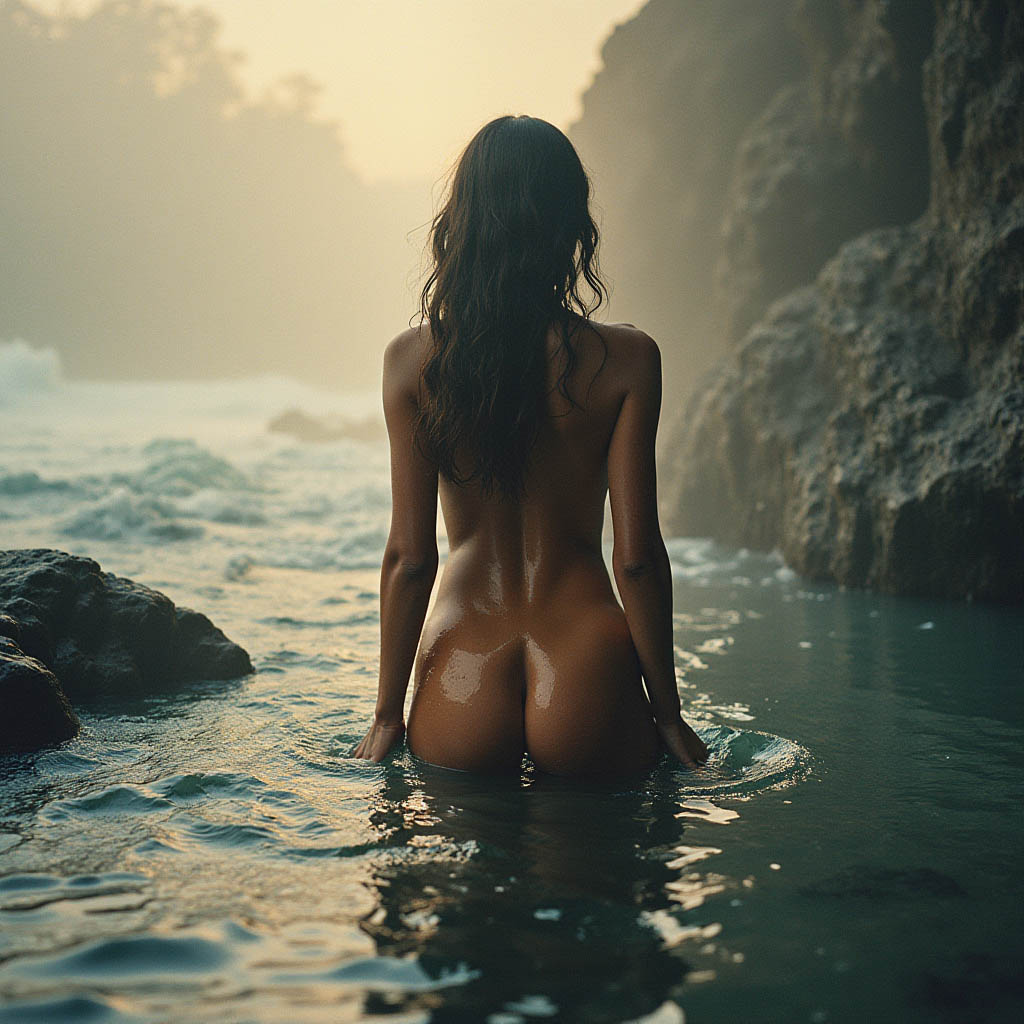
Step 23: mountains appear in the distant background.
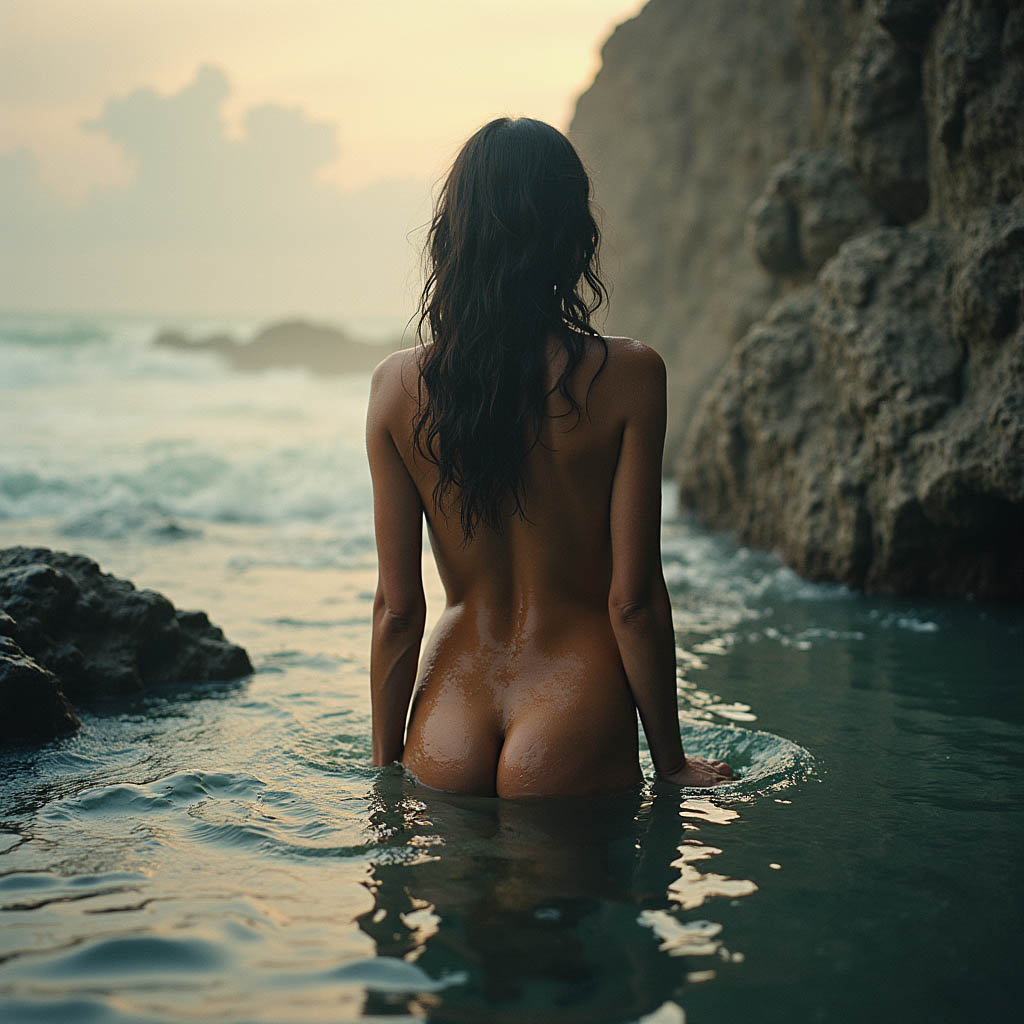
Step 30: the distant mountains turn into clouds. After this, the changes become minor.
Conclusion: when generating images via Txt2Img, I will definitely use this technique to vary the composition of the image while keeping the text prompt unchanged.
The workflow for Comfyui itself is included in this PNG image.